Try the latest PoloX AI Agent
Start free · no sign-up
CHOOSE A FREE GENERATORFree AI video generator →Free AI image generator →
Try the latest PoloX AI Agent
One creative workspace for your next idea.

INDEPENDENT GUIDE · Media.io

Media.io Content Studio: Plan Images, Audio and Video Together

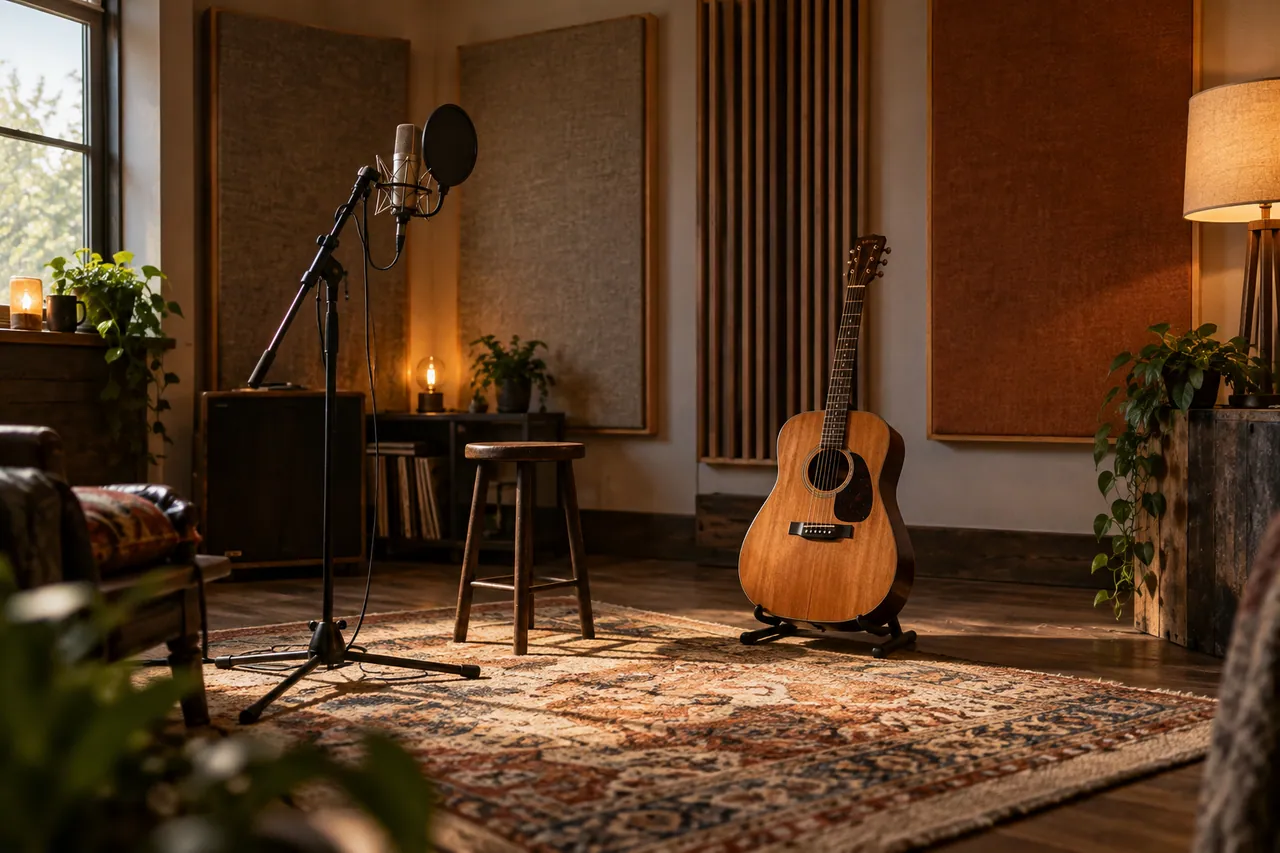
A Media.io content package can start with a small set of well-organized source assets. Our acoustic-session exercise uses an empty recording room and a guitar detail as visual references for an independent musician’s release. The task is to prepare a coherent package: an announcement image, a short visual sequence and clean accompanying audio. Each format should feel connected without forcing the same crop or timing everywhere.

An empty intimate acoustic recording room with a wooden guitar on a stand.
AI-generated concept illustration for this independent Media.io guide. An empty intimate acoustic recording room with a wooden guitar on a stand.

THE BRAND & THE BRIEF

Explore Media.io with a clear creative goal

Media.io combines online tools for video, image and audio creation and editing. This page focuses on AI media editing and content preparation through an original exercise: an independent acoustic-session package.

Use the examples to plan your own tests. They are editorial concept illustrations created for this guide, not screenshots, product benchmarks or outputs generated by Media.io.

Visit the official Media.io website ↗

01 / VISUAL DIRECTION

Two image prompts for an independent acoustic-session package

Use the first composition to establish the idea and the second to explore a related detail. Adapt the wording and reference inputs to the tool you choose; these prompts describe the creative intent, not a guaranteed result.

PROMPT 01

Establish the visual idea

An empty intimate acoustic recording room with a wooden guitar on a stand, a microphone and warm wool panels, honest editorial photography. One coherent composition with a clear focal point and natural material detail. Landscape framing. No text, logos, watermarks or decorative borders.
PROMPT 02

Develop the supporting view

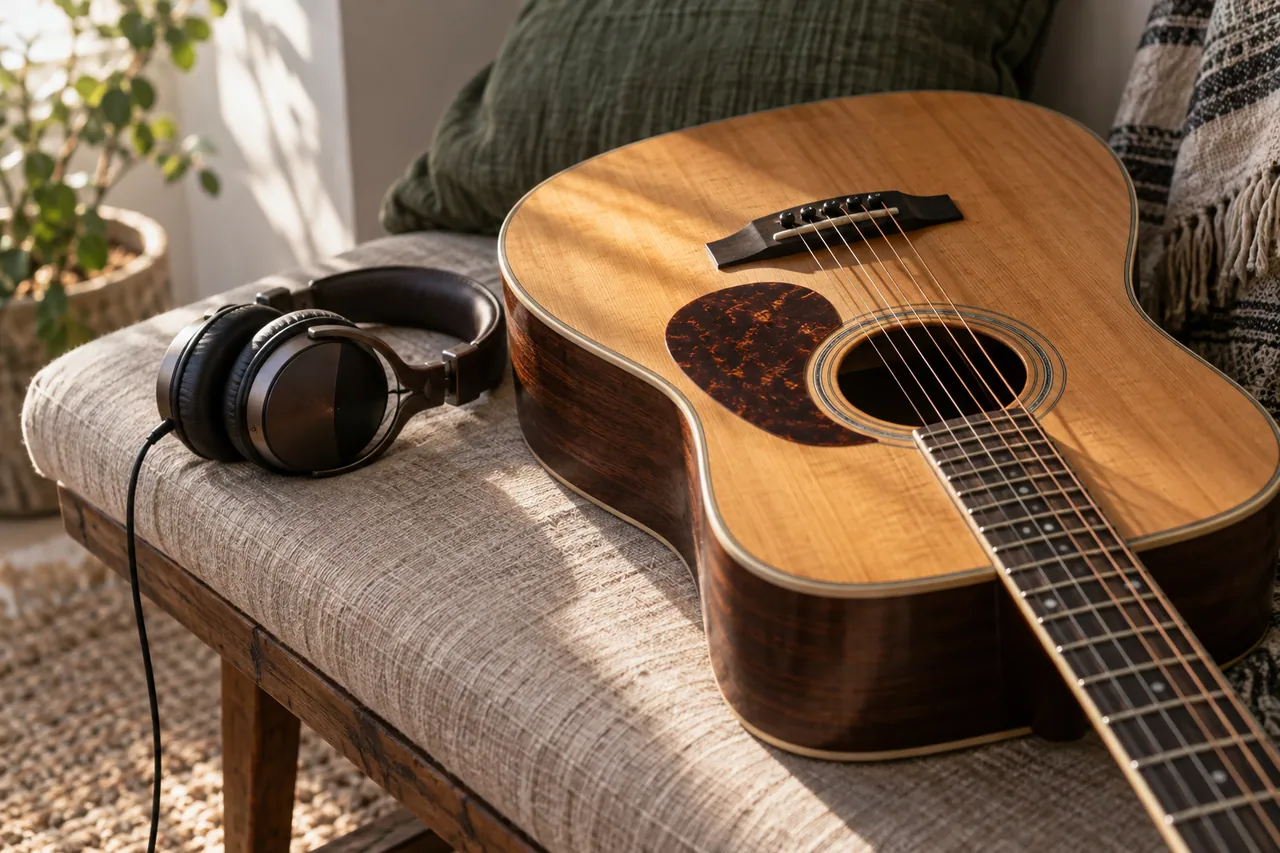
Close detail of an acoustic guitar on a linen-covered bench beside headphones, soft natural side lighting, clean photographic textures. One coherent composition with a clear focal point and natural material detail. Landscape framing. No text, logos, watermarks or decorative borders.

02 / MAKE THE DECISIONS

A practical Media.io workflow

01

Sort the source material

Separate original recordings, photographs, generated concepts and delivery exports. Keep an untouched source folder. The guitar illustration can guide mood, but it should not replace factual photography if the campaign needs to show a specific instrument or venue.

02

Define the treatment

Choose warm wood, natural linen and soft side light as the visual anchors. Match the audio treatment to the intimate room rather than making every recording unnaturally bright. Review sound and picture as separate tasks before combining them.

03

Prepare format variants

Use the room view for a wide announcement and the guitar detail for a tighter social crop. Leave space for an editable release title. Export a short test and check it on the devices where the audience is likely to watch.

Close detail of an acoustic guitar on a linen-covered bench beside headphones.
AI-generated supporting concept. Close detail of an acoustic guitar on a linen-covered bench beside headphones.

03 / REVIEW BEFORE EXPANDING

What to check in your Media.io creative brief

Enhancement should not erase the character of a recording or photograph. Listen for metallic artifacts after audio cleanup and look for smeared strings after image sharpening. If a process creates more damage than it removes, return to the original and apply a smaller adjustment.

Keep the source prompt, selected reference and revision note together. Compare the next version at its intended display size, and record the specific improvement you want before generating another variation.

PRACTICAL ANSWERS

Media.io creative planning questions

Should cleanup happen before editing?

Make a short test first, then clean the sources that actually belong in the edit. This avoids spending time on discarded material and keeps comparisons manageable.

How should generated visuals be used?

Use them as clearly identified concept artwork or deliberate creative inserts. Keep real performance documentation separate so viewers can understand what they are seeing.

THE CREATIVE NOTEBOOK

Learn with Media.io

Explore a focused tutorial, a practical prompt guide and a real-world planning exercise. Each guide includes an original brief and a checklist for reviewing your result.

Independent educational content. This website is not the official Media.io service. For current model availability, account features and plans, check the official website linked above.

YOUR NEXT CREATIVE STEP

Try PoloX AI Agent

Turn your ideas into images, videos, and more through conversation. Describe what you want to create and start on PoloX.

EXPLOREGPT Image 2.5
Sunburst & Flare
Try PoloX AI Agent